
Open Work Order Assignment Board ✅
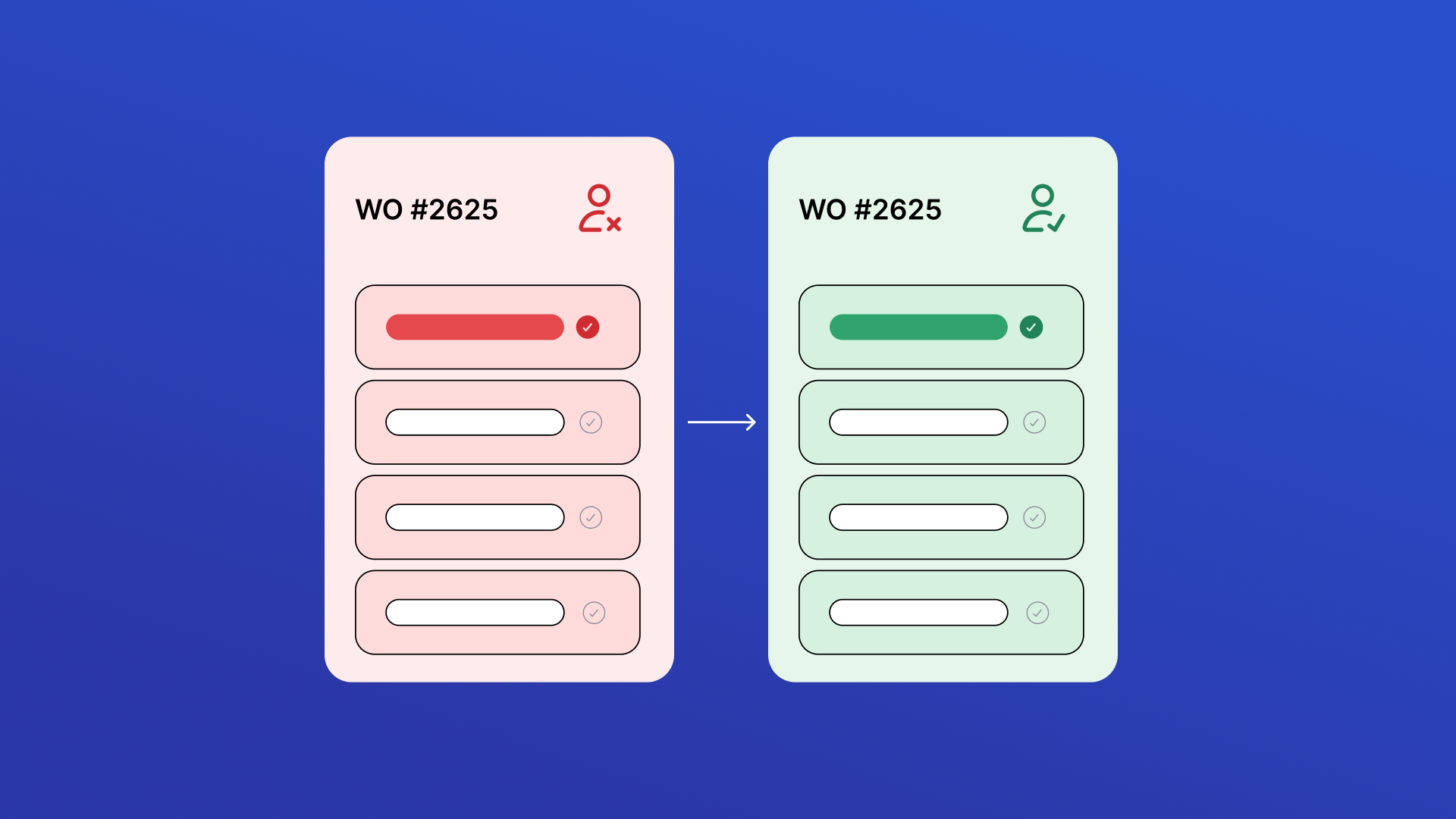
View all open, unassigned work orders in one place and quickly take ownership. Review job details, priority, due dates, and location before assigning work to keep maintenance moving and reduce dispatch delays.

Work Order Print & Share
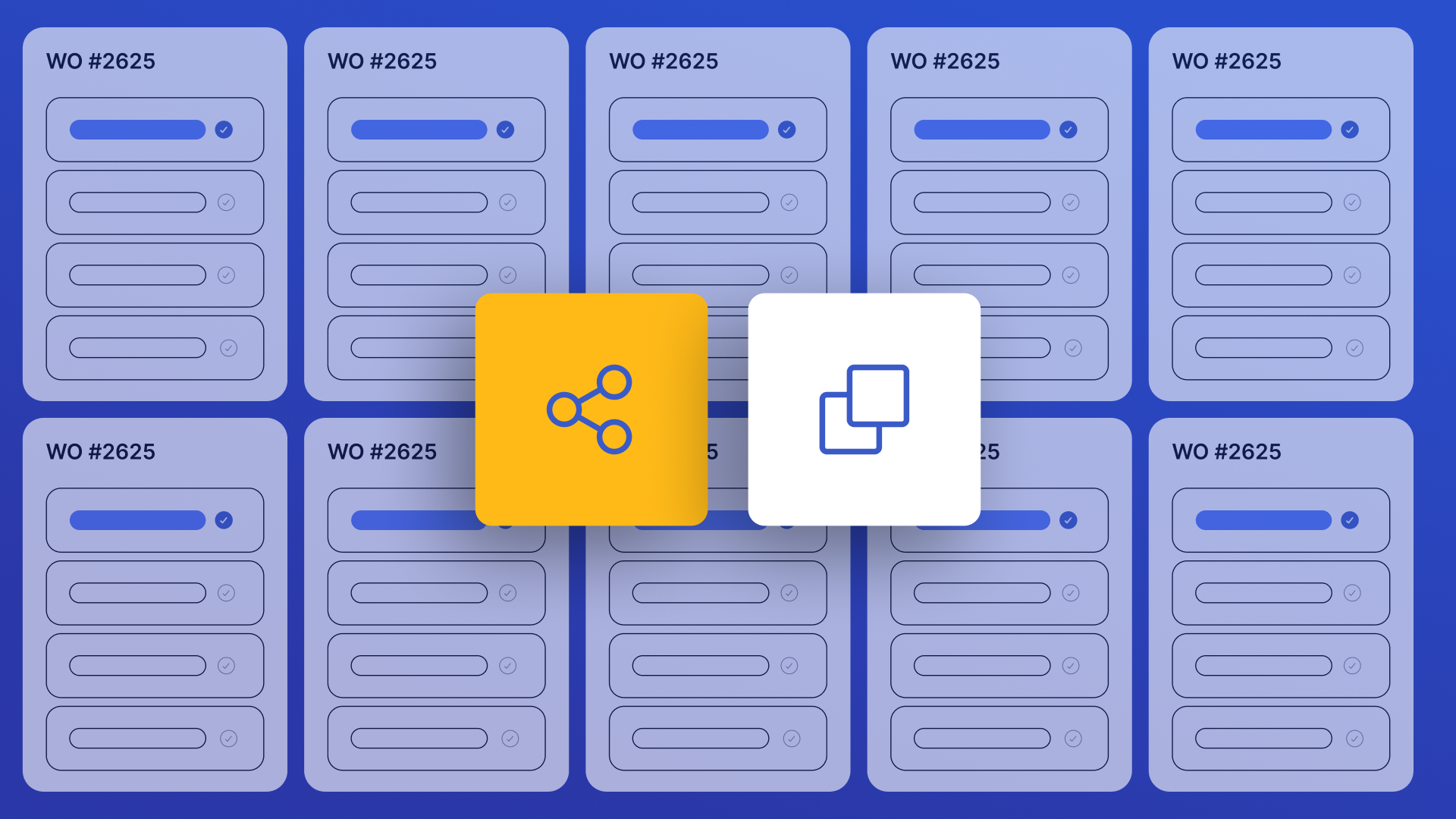
Instantly find any work order and share a clean, print-ready link with technicians, contractors, or vendors — no full system access required. Search by title or number, filter by status and priority, customize visible columns, drag column edges to resize, select multiple work orders for bulk URL copying, and share in one tap via link copy or mobile device sharing.
Asset Downtime Tracker
Use this app to log historical downtime events for assets tracked in UpKeep. Select the affected asset, enter the start and end time of the downtime, choose a category, and submit. Each event writes status records directly to UpKeep and gives you the option to create a linked work order with event details pre-filled. Use the History tab to view previously created downtime work orders. Customize the work order title prefix, default priority, default work order category, and shift names in Settings.

Technician Performance Coach ✅
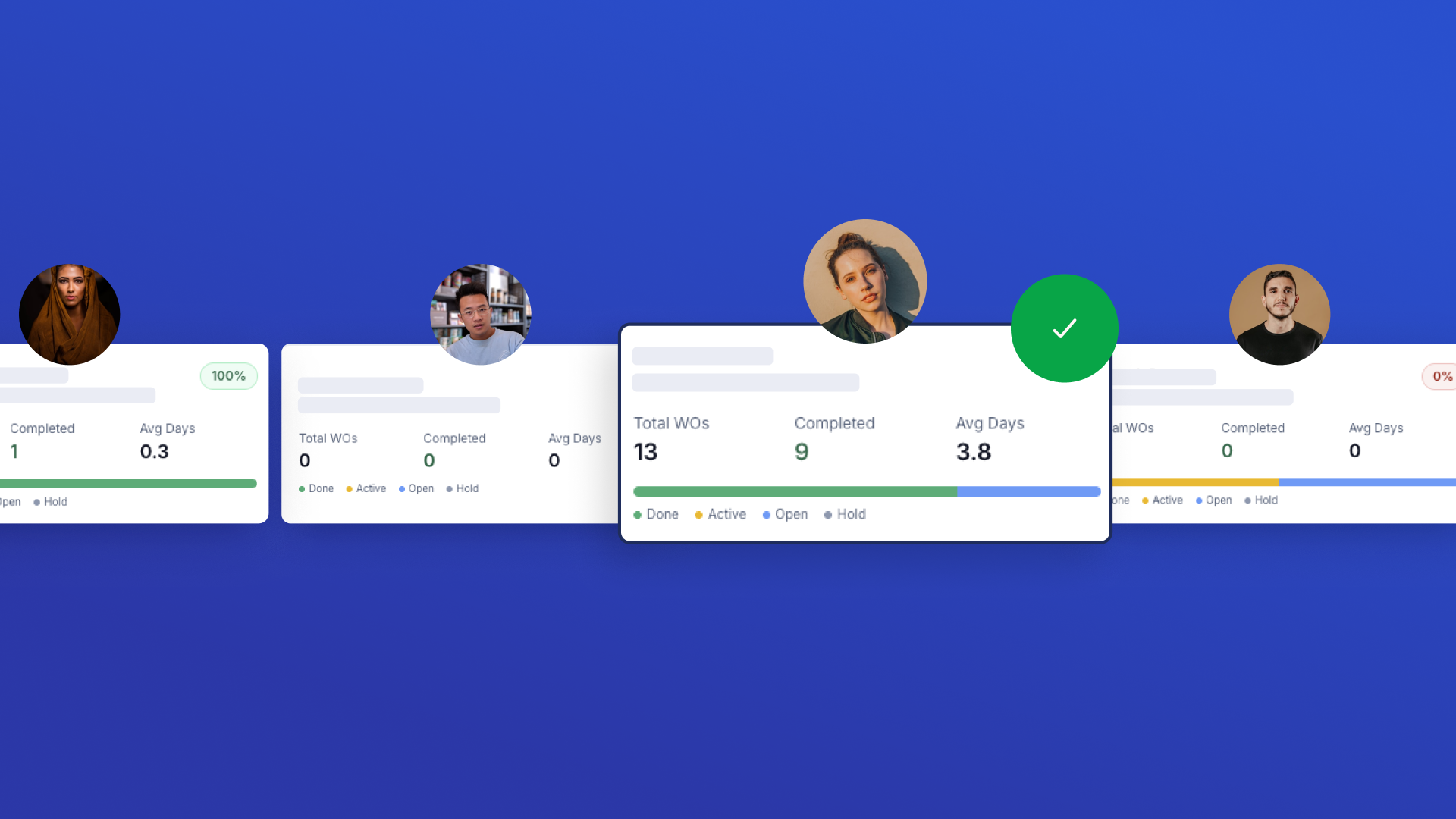
View your full technician roster with key performance metrics at a glance. Click any technician to see detailed breakdowns of completion rates, resolution times, priority handling, and status distributions. Generate AI-powered coaching reports with personalized strengths, improvement areas, and actionable recommendations.
Multi-Asset Work Order Builder
Create work orders across multiple assets in one step. Fill in shared work order details first, then select assets — one work order is automatically created per asset. Categories are sourced from your last 1000 created work orders merged with a built-in list, so the category dropdown always has real options and auto-selects the first one.


Impact Dashboard ✅
Role-based KPI dashboard that pulls work orders from UpKeep to calculate backlog, PM compliance, MTTR, reactive vs preventive mix, first-time fix rate, repeat failures (reactive WOs only), and team productivity. Features KPI cards with calculation tooltips, charts, drill-down tables, and auto-generated impact story.


Work Order Capacity Management ✅
Gives supervisors clear visibility into team capacity by grouping active work orders by technician. Pending/unapproved requests are excluded by default. Click any technician name or "View WOs" button in the Capacity Table to open a slide-over panel showing all their active WOs — with status, priority, due date, and location — plus an inline Reassign flow to move any WO to another technician via PATCH work-orders/{id}.
Team Assignment Dashboard ✅
Team-first dashboard for quickly assigning or reassigning work orders. Filter by team, search people by name, view member cards with their open WOs, and open a person drawer to see all assigned work orders or create/reassign in a few taps. Supports multi-select for bulk reassignment.


Safety Hazard Tracker ✅
Identify, monitor, and escalate safety hazards before they become serious incidents. Automatically detect high-risk work orders based on priority, keywords, or status, then review them in one centralized dashboard with asset, location, and due date visibility. Apply severity scoring, track escalation history, and ensure every safety issue is documented and resolved with full audit transparency.


Inspection Failure Follow-Up Manager ✅
Monitor failed and flagged inspection checklist items across all work orders. Configurable failure detection, date range presets (Last 30/90 Days, This Month, Last Month, All Time), WO status scope, category and keyword filters. Always paginates in pages of 1,000 to capture every result — shows a live "X work orders loaded" counter during multi-page fetches. Create follow-up work orders with one click.
Work Order Duplicate Detector ✅
Find and fix duplicate work orders fast. Scans all work orders across all statuses, excludes recurring PM work orders, and lets you review matches side by side to archive duplicates and keep your backlog clean.

Warranty Asset Tracker ✅
Search for any asset and immediately see warranty status. Includes location dropdown, warranty status badges, expiration year filter, mobile-friendly responsive card layout, and a dedicated Work Order creation flow with up to 5 photo attachments. Fully styled with Tailwind CSS design system.
Vendor Performance Scorecard ✅
Comprehensive vendor performance dashboard linking vendors to purchase orders and work orders via vendor-type user assignments. Shows vendor details, costs, response times, and composite scores.

Parts Forecast Planning ✅
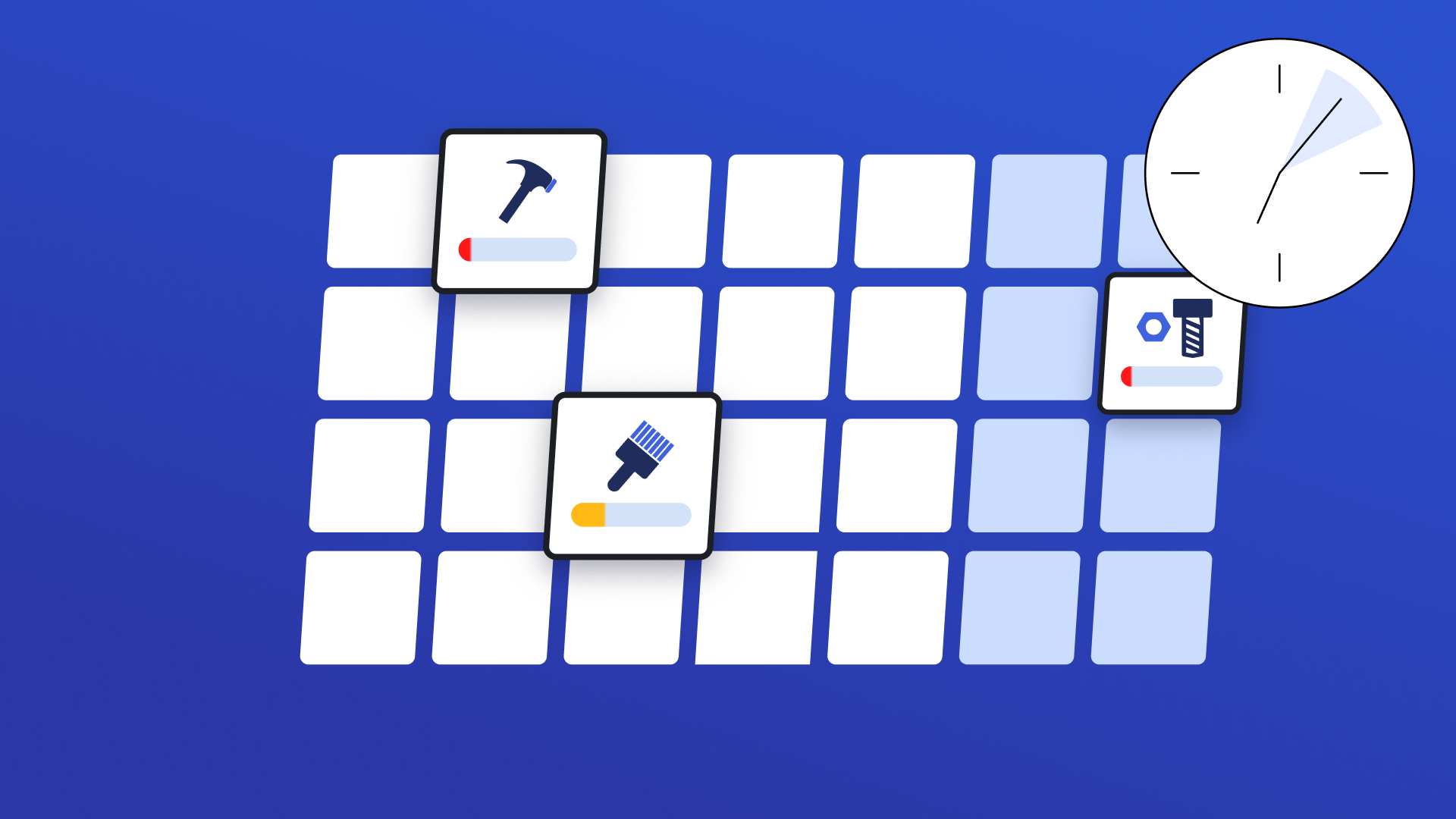
See which parts will be needed for upcoming scheduled work before the jobs start. Forecast demand based on future work orders to avoid stockouts, reduce rush purchases, and keep maintenance running without delays.

Repair or Replace Cost Evaluator ✅
A specialized decision-support tool for maintenance managers to compare repair estimates against replacement costs. Saves analysis decisions as update messages to work orders.

Work Order Parts Procurement ✅
View work orders that require parts and quickly identify procurement gaps. This app surfaces active work orders with associated parts, shows real-time availability and estimated costs, and lets you create purchase orders directly — preventing delays caused by missing materials.