
Open Work Order Assignment Board ✅
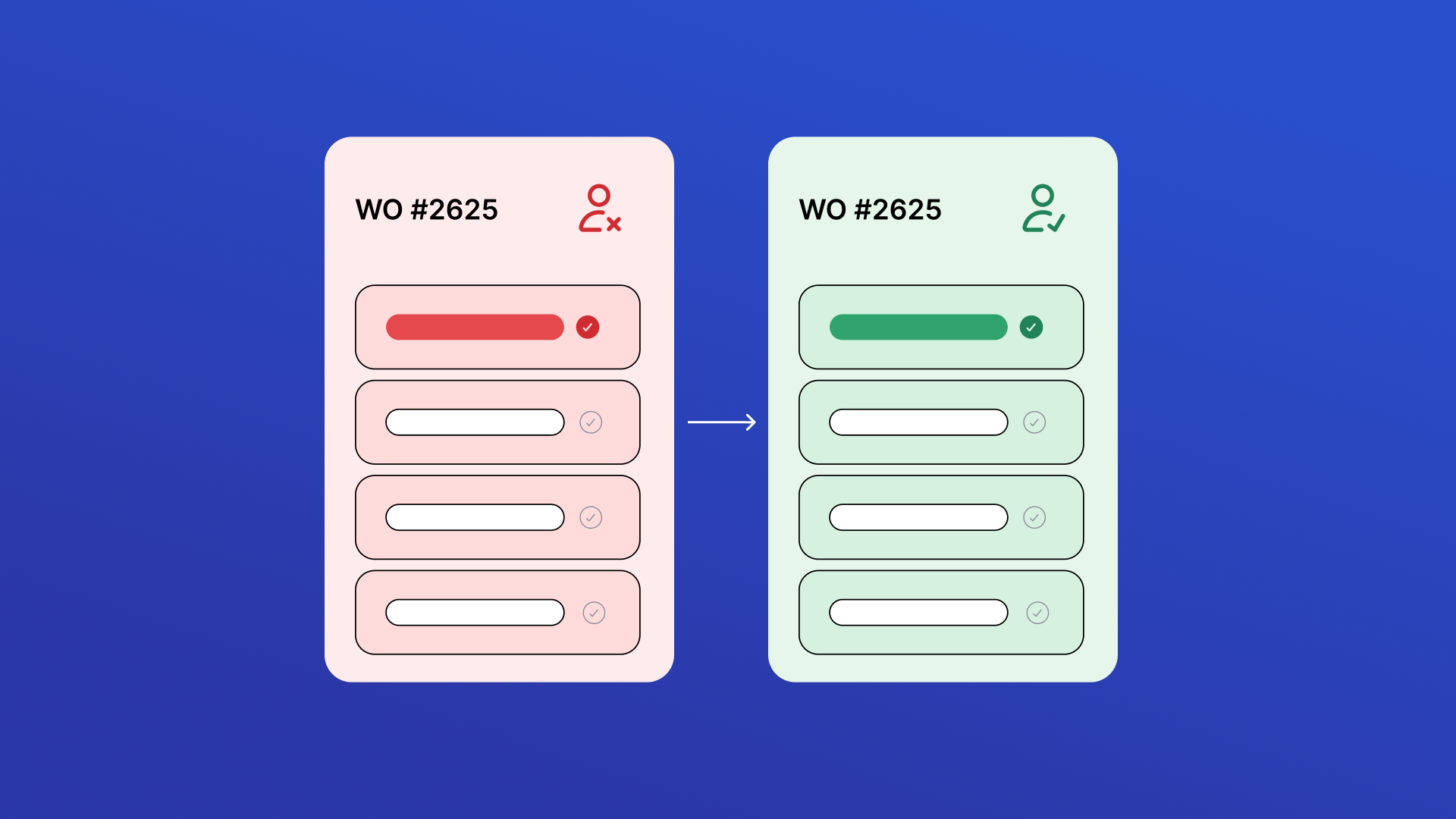
View all open, unassigned work orders in one place and quickly take ownership. Review job details, priority, due dates, and location before assigning work to keep maintenance moving and reduce dispatch delays.

Work Order Print & Share
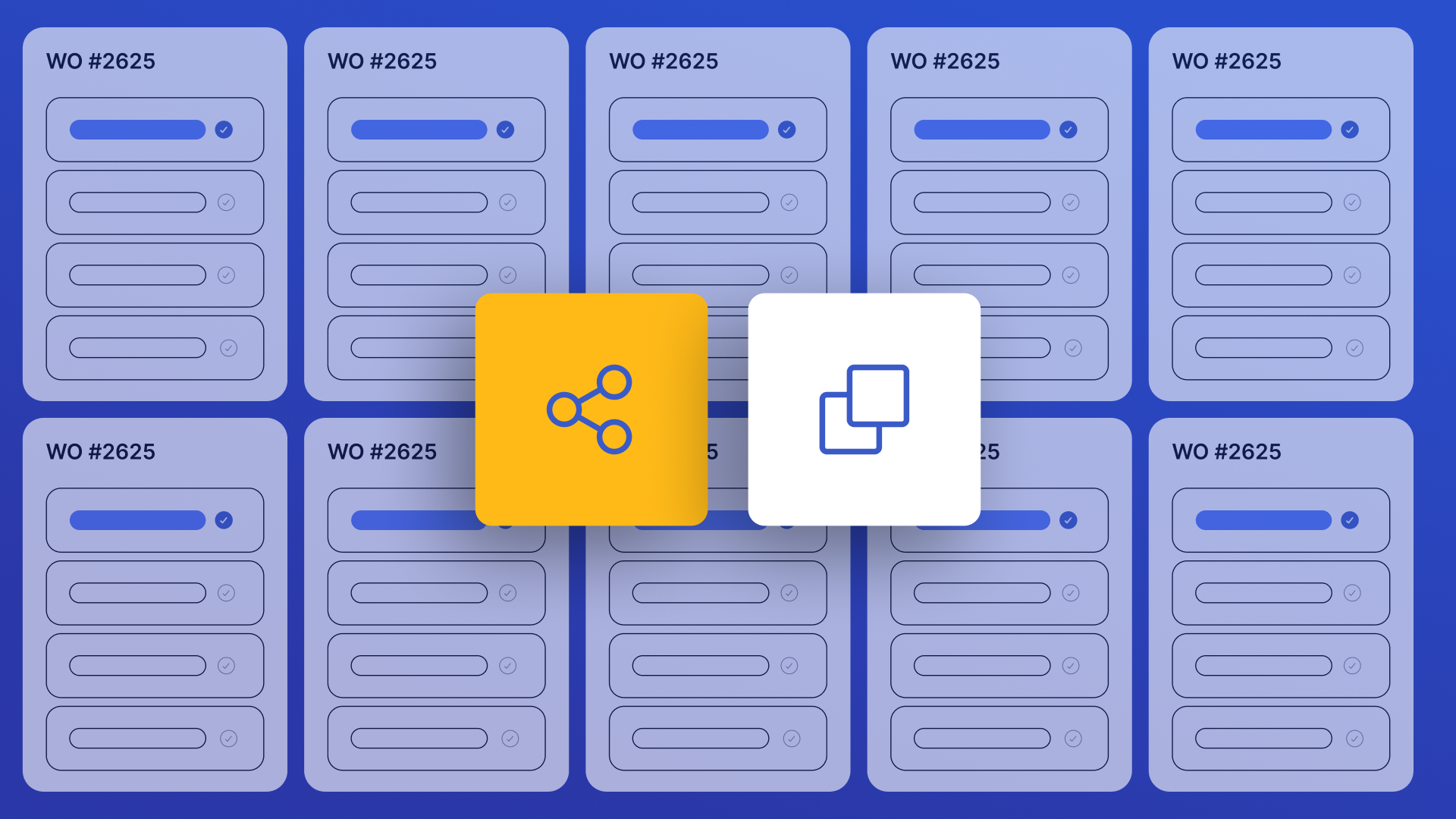
Instantly find any work order and share a clean, print-ready link with technicians, contractors, or vendors — no full system access required. Search by title or number, filter by status and priority, customize visible columns, drag column edges to resize, select multiple work orders for bulk URL copying, and share in one tap via link copy or mobile device sharing.

Asset Replacement Prioritization ✅
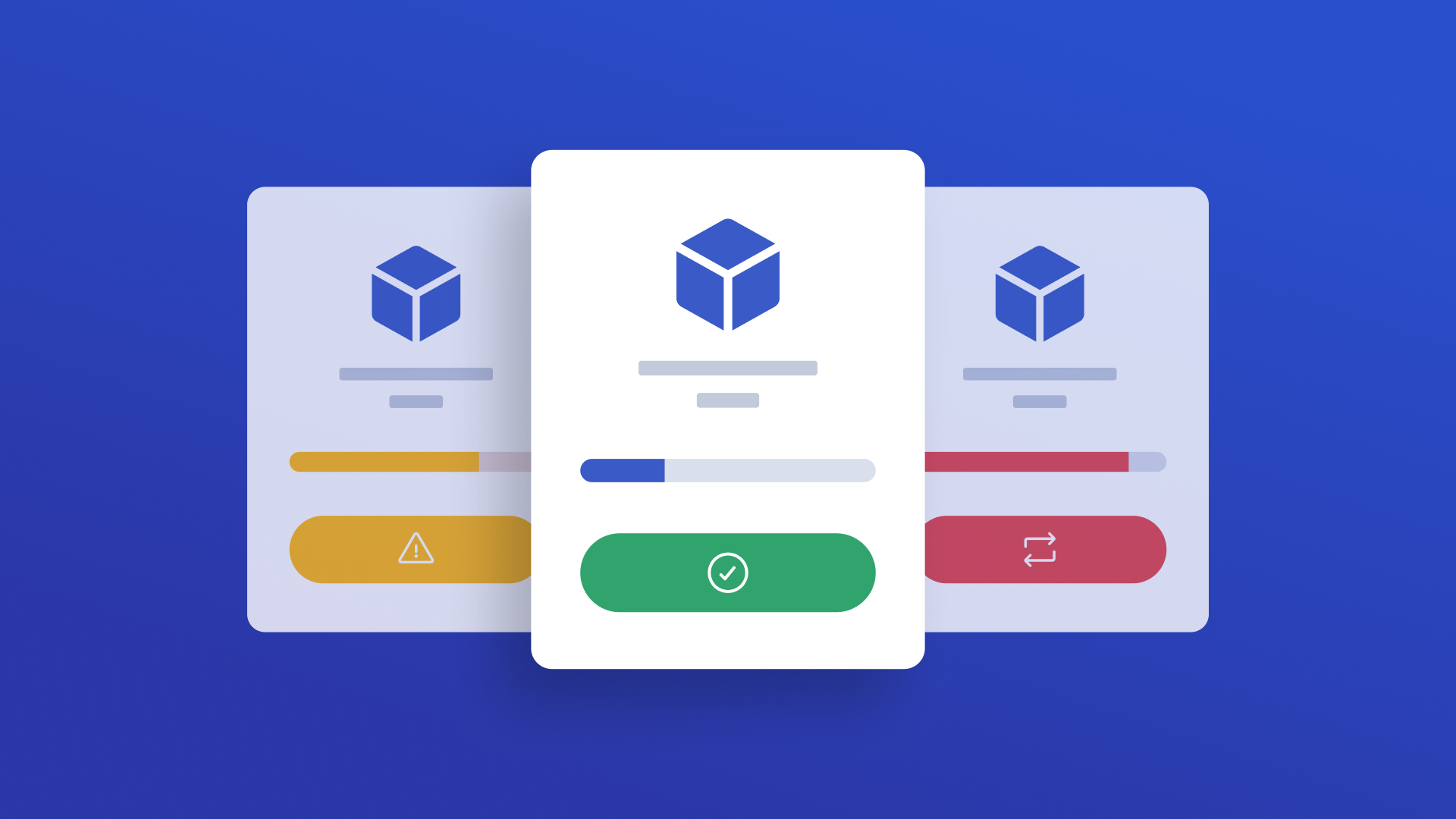
Identify which assets should be repaired or replaced based on total maintenance cost, age, and performance trends. Automatically score assets by urgency and drill into cost history to support smarter capital planning decisions.

Asset Data Quality Auditor ✅
Review Asset records against quality rules to identify missing information and structural gaps. View scores, drill into flagged records, and correct issues to ensure reliable maintenance tracking.


Location Data Quality Auditor ✅
Review Location records against quality rules to identify missing data, inconsistencies, and structural issues. Configure rules in the Rules tab, click Run Audit to evaluate all locations, then review your quality score and fix issues inline. Rules are saved locally and applied on every audit run.
Cumulative Meter Reading ✅
Track and log cumulative meter readings for equipment like odometers, hour meters, and production counters. Search and filter meters by name, location, or linked asset. Click any meter to view its full reading history and submit new readings. The app automatically calculates the running total by adding your entered amount to the last recorded value. Use Refresh to pull the latest data from UpKeep at any time.


Weather Monitor Dashboard ✅
Monitor real-time weather for all UpKeep locations with GPS. Two-tab layout: Live Weather shows current conditions per location; Set Up GPS has two sub-tabs — Needs GPS (locations with an address but no coordinates) and Needs Address (locations missing an address entirely, with inline address entry). Wind displays as "6.1 mph E".

Paper Work Request Scan ✅
Upload or capture a handwritten or printed service request and instantly generate a structured Work Request in UpKeep. Extracts title, description, asset, location, priority, requested by, department, date submitted, and more — with asset matching and low-confidence highlighting. Simple 3-step workflow: Upload, Review & Edit, Submit.

UpKeep Maintenance Scorecard ✅
Get a complete health check of your UpKeep account in one view. The Maintenance Scorecard analyzes your work orders, assets, preventive maintenance, and user activity — then scores your team's performance against industry benchmarks. Instantly see what's working, what's underutilized, and where the biggest opportunities are to improve operations.
Asset Downtime Tracker
Use this app to log historical downtime events for assets tracked in UpKeep. Select the affected asset, enter the start and end time of the downtime, choose a category, and submit. Each event writes status records directly to UpKeep and gives you the option to create a linked work order with event details pre-filled. Use the History tab to view previously created downtime work orders. Customize the work order title prefix, default priority, default work order category, and shift names in Settings.

Technician Performance Coach ✅
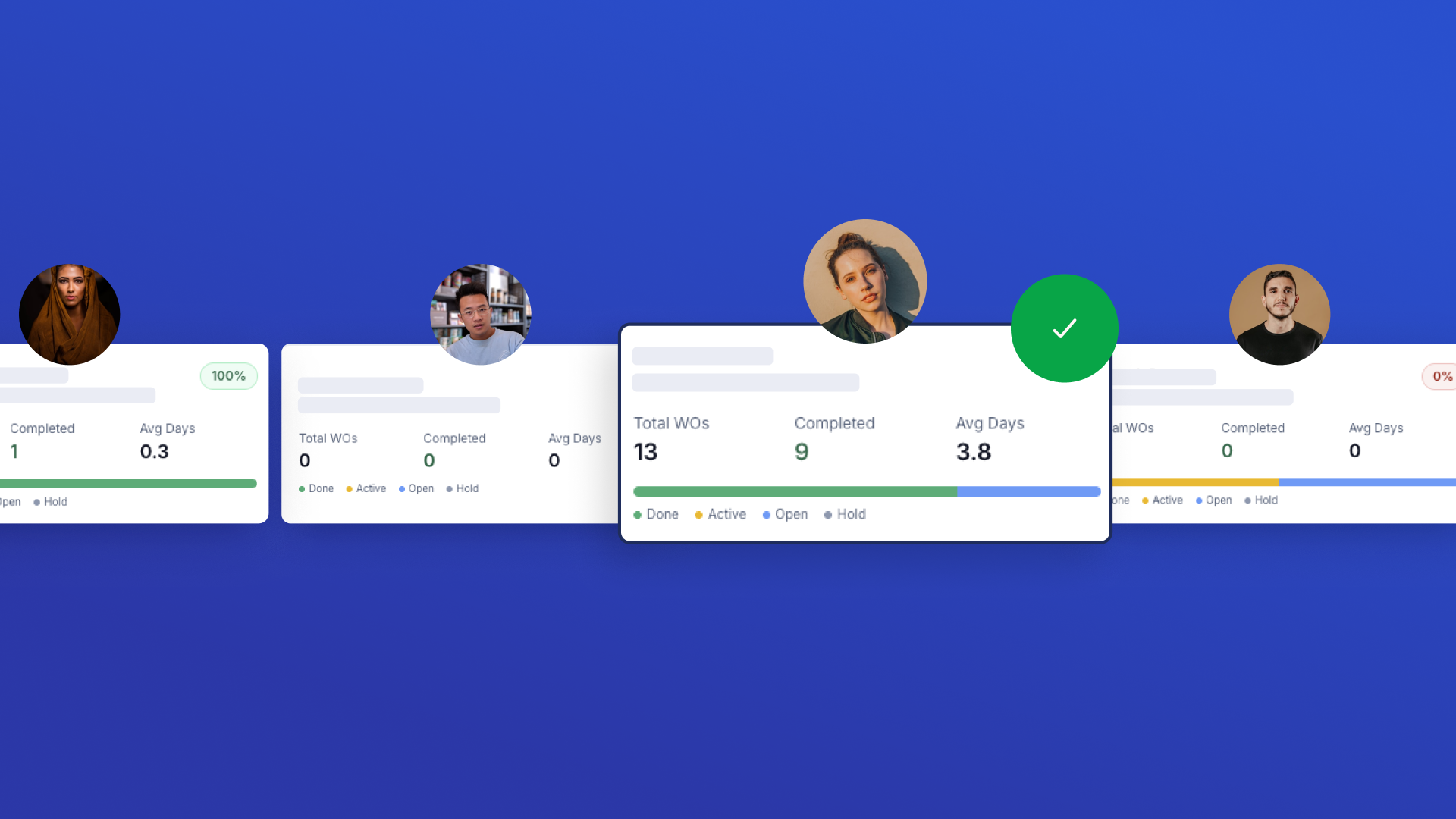
View your full technician roster with key performance metrics at a glance. Click any technician to see detailed breakdowns of completion rates, resolution times, priority handling, and status distributions. Generate AI-powered coaching reports with personalized strengths, improvement areas, and actionable recommendations.
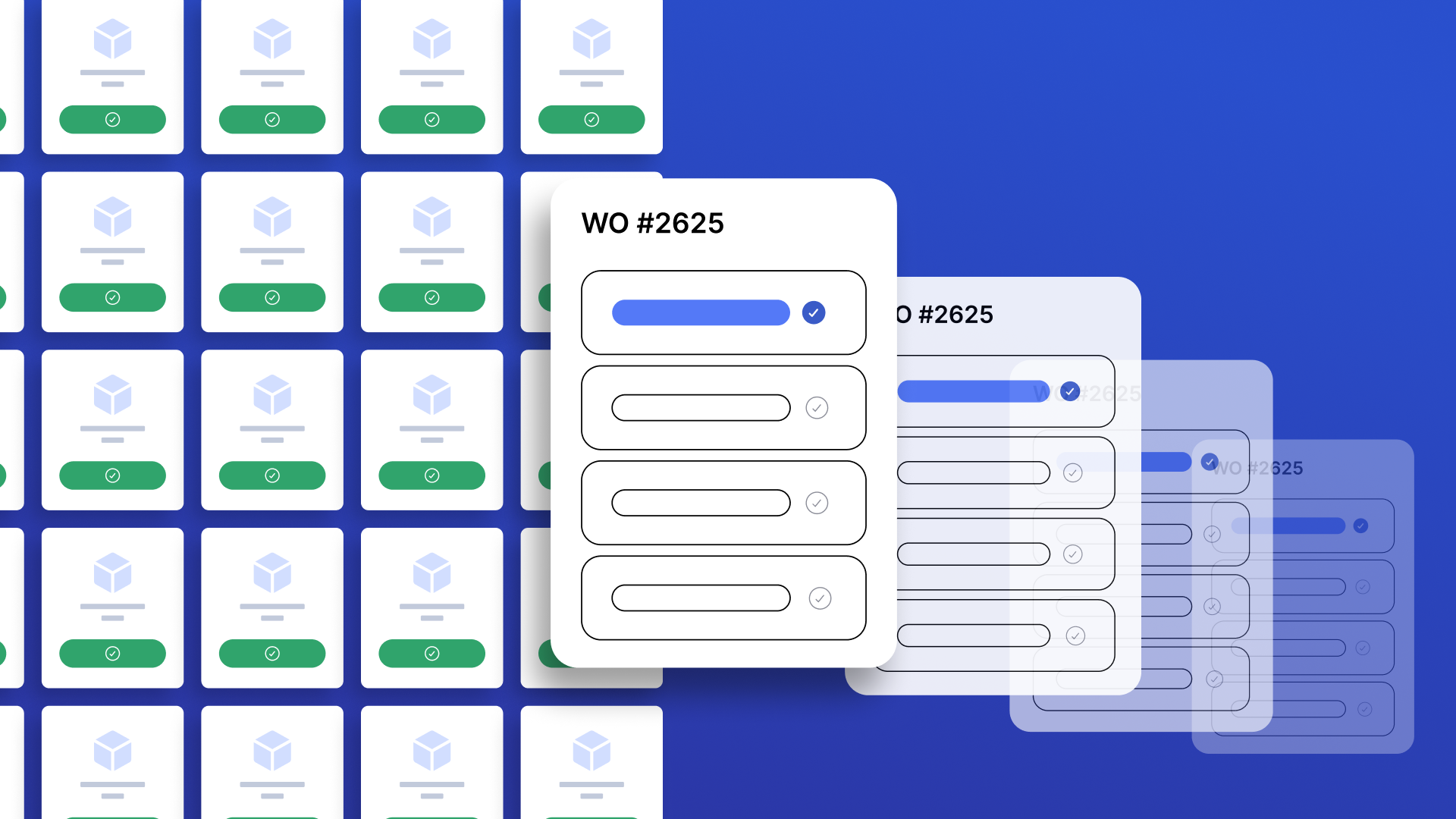
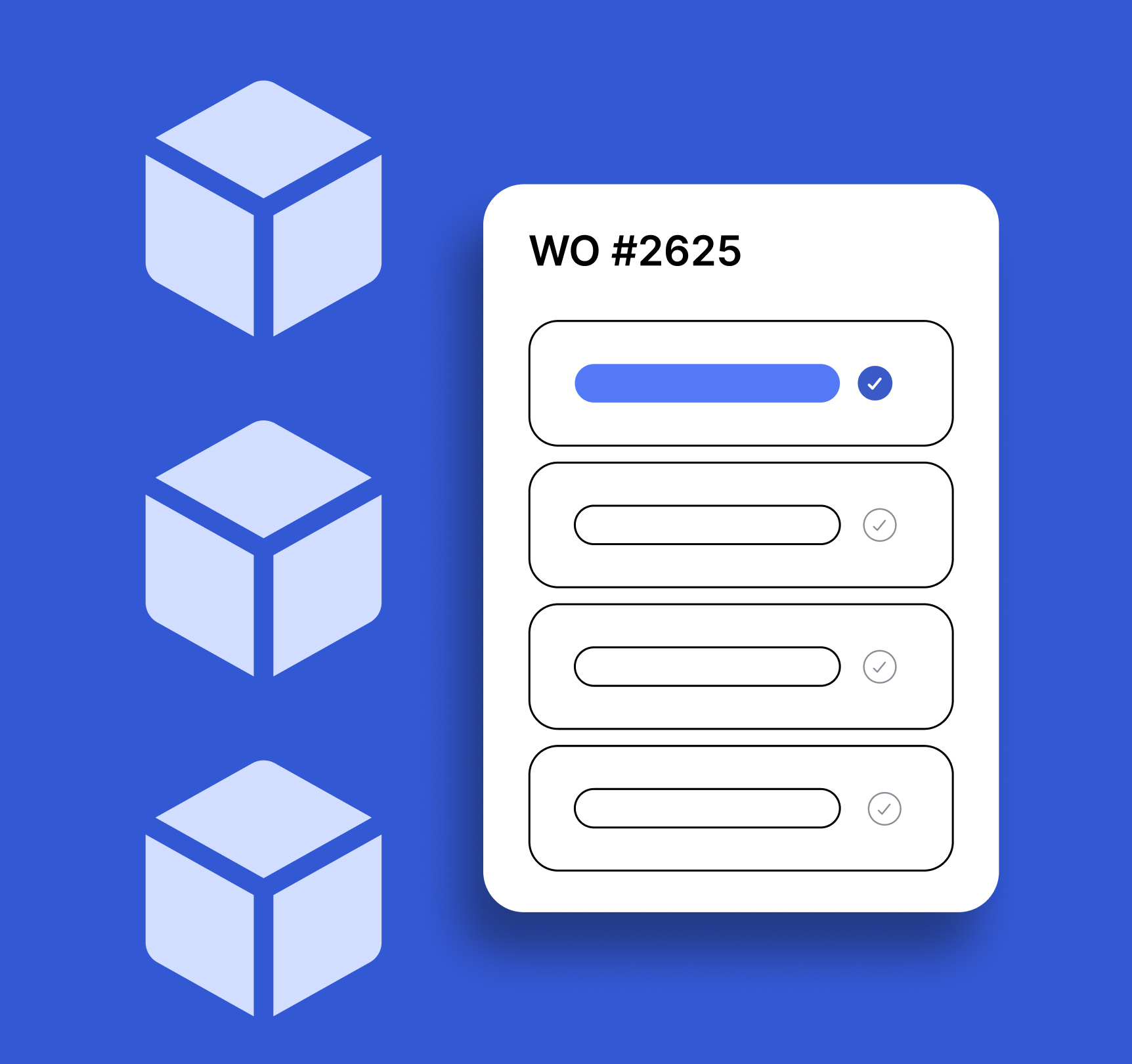
Multi-Asset Work Order Builder
Create work orders across multiple assets in one step. Fill in shared work order details first, then select assets — one work order is automatically created per asset. Categories are sourced from your last 1000 created work orders merged with a built-in list, so the category dropdown always has real options and auto-selects the first one.


Impact Dashboard ✅
Role-based KPI dashboard that pulls work orders from UpKeep to calculate backlog, PM compliance, MTTR, reactive vs preventive mix, first-time fix rate, repeat failures (reactive WOs only), and team productivity. Features KPI cards with calculation tooltips, charts, drill-down tables, and auto-generated impact story.


Work Order Capacity Management ✅
Gives supervisors clear visibility into team capacity by grouping active work orders by technician. Pending/unapproved requests are excluded by default. Click any technician name or "View WOs" button in the Capacity Table to open a slide-over panel showing all their active WOs — with status, priority, due date, and location — plus an inline Reassign flow to move any WO to another technician via PATCH work-orders/{id}.
UpWord 🔧
UpWord 🔧 is your daily maintenance brain teaser. Guess a 5-letter word pulled from your UpKeep data — assets, parts, locations, and more. Six tries. Build your streak. Challenge your team.
Team Assignment Dashboard ✅
Team-first dashboard for quickly assigning or reassigning work orders. Filter by team, search people by name, view member cards with their open WOs, and open a person drawer to see all assigned work orders or create/reassign in a few taps. Supports multi-select for bulk reassignment.
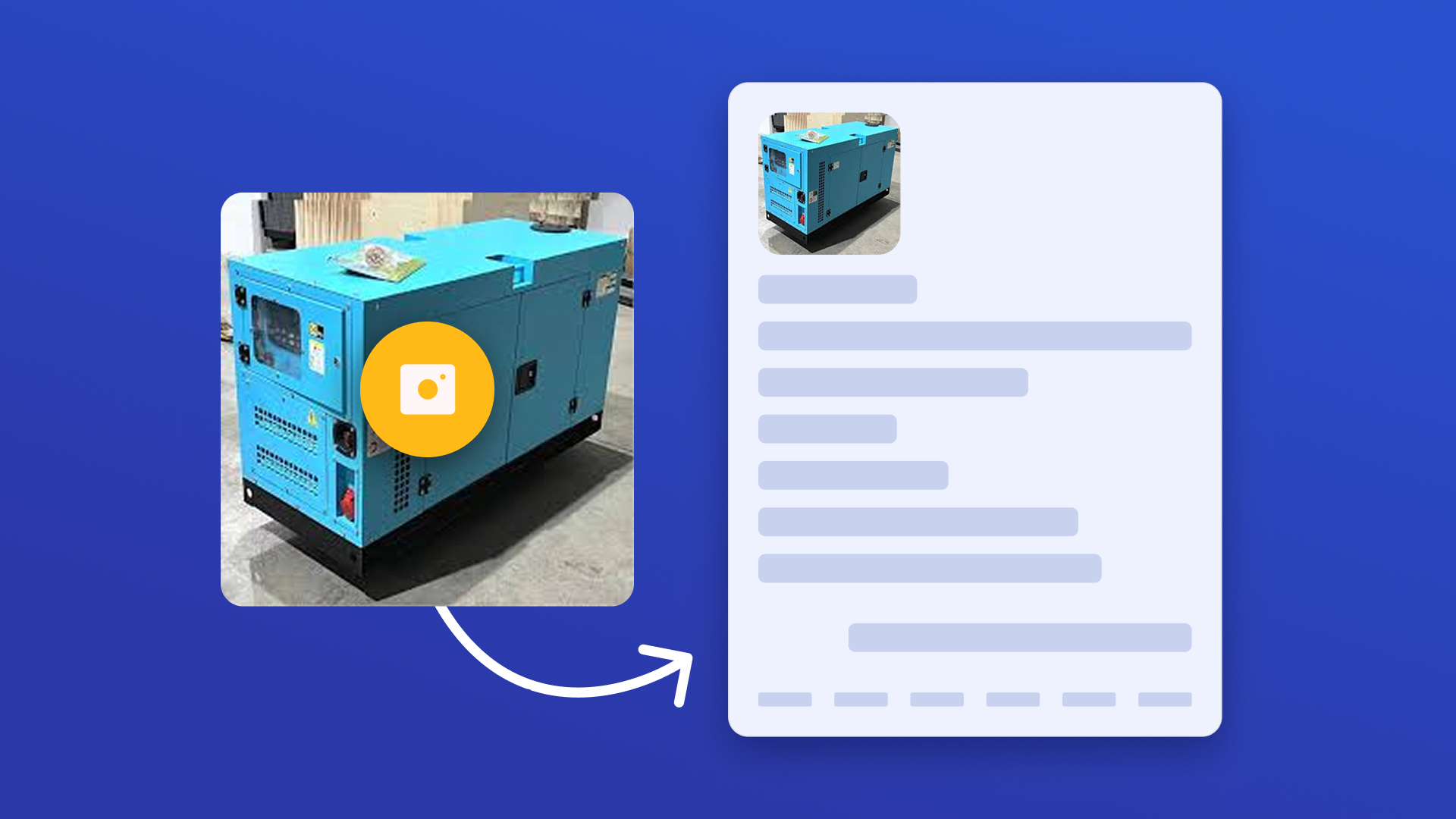

Asset Plate Scanner ✅
Capture equipment data plates with a quick photo and instantly create structured Asset records in UpKeep. The app automatically extracts key details like manufacturer, model, serial number, and asset name, then maps them to the correct fields.


Safety Hazard Tracker ✅
Identify, monitor, and escalate safety hazards before they become serious incidents. Automatically detect high-risk work orders based on priority, keywords, or status, then review them in one centralized dashboard with asset, location, and due date visibility. Apply severity scoring, track escalation history, and ensure every safety issue is documented and resolved with full audit transparency.
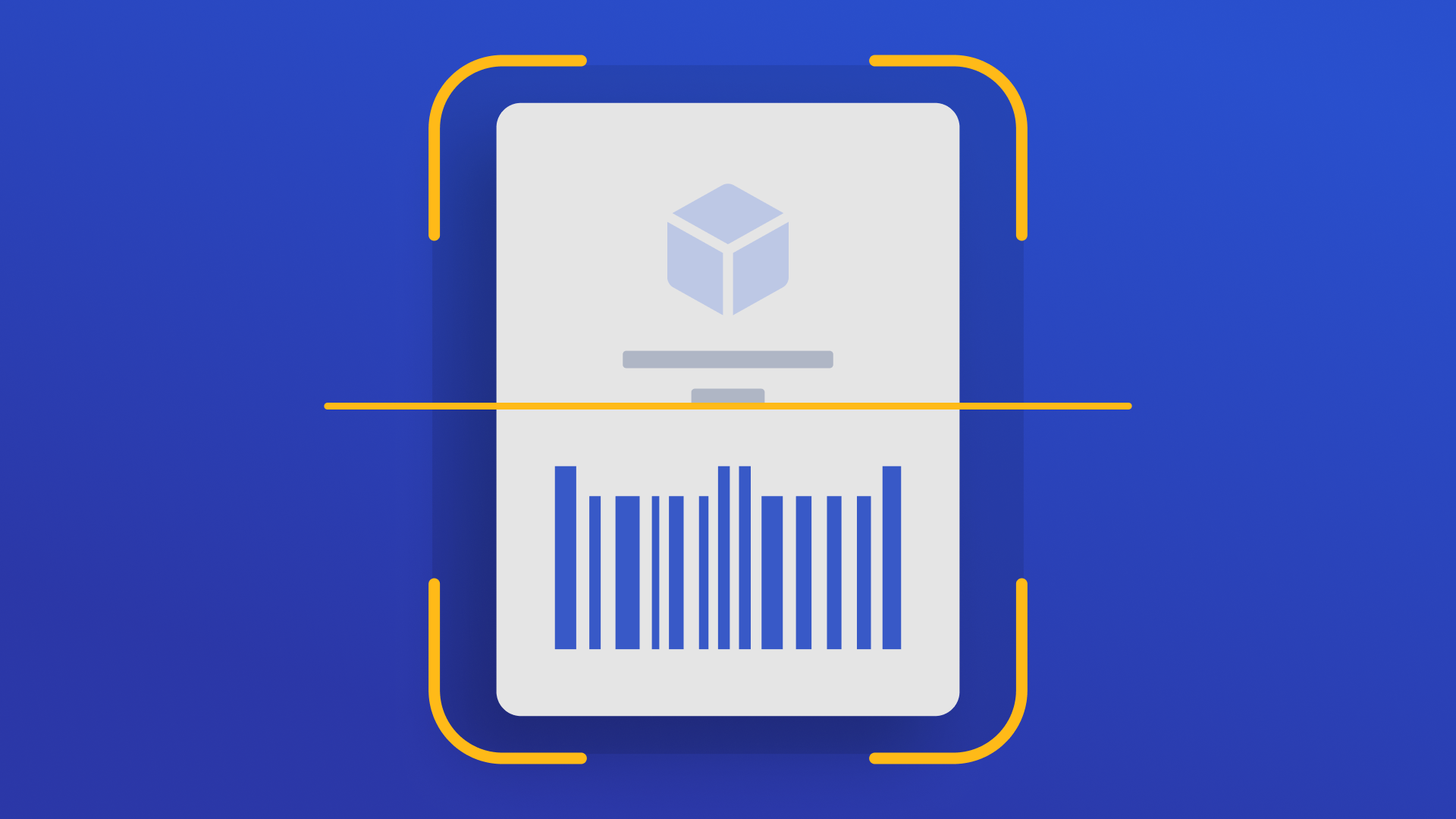

Parts Quick Adjust ✅
Scan barcodes or search for parts, then edit part details and adjust inventory in a guided flow. Adjustments are automatically logged in UpKeep's Adjustments tab for full audit trail.

Inspection Failure Follow-Up Manager ✅
Monitor failed and flagged inspection checklist items across all work orders. Configurable failure detection, date range presets (Last 30/90 Days, This Month, Last Month, All Time), WO status scope, category and keyword filters. Always paginates in pages of 1,000 to capture every result — shows a live "X work orders loaded" counter during multi-page fetches. Create follow-up work orders with one click.


Paper Inspection & Checklist Scan ✅
Upload a paper inspection form or safety sheet and automatically convert it into a structured Checklist template in UpKeep. Extract sections, questions, and response types to eliminate manual setup and standardize inspections across sites.
Work Order Duplicate Detector ✅
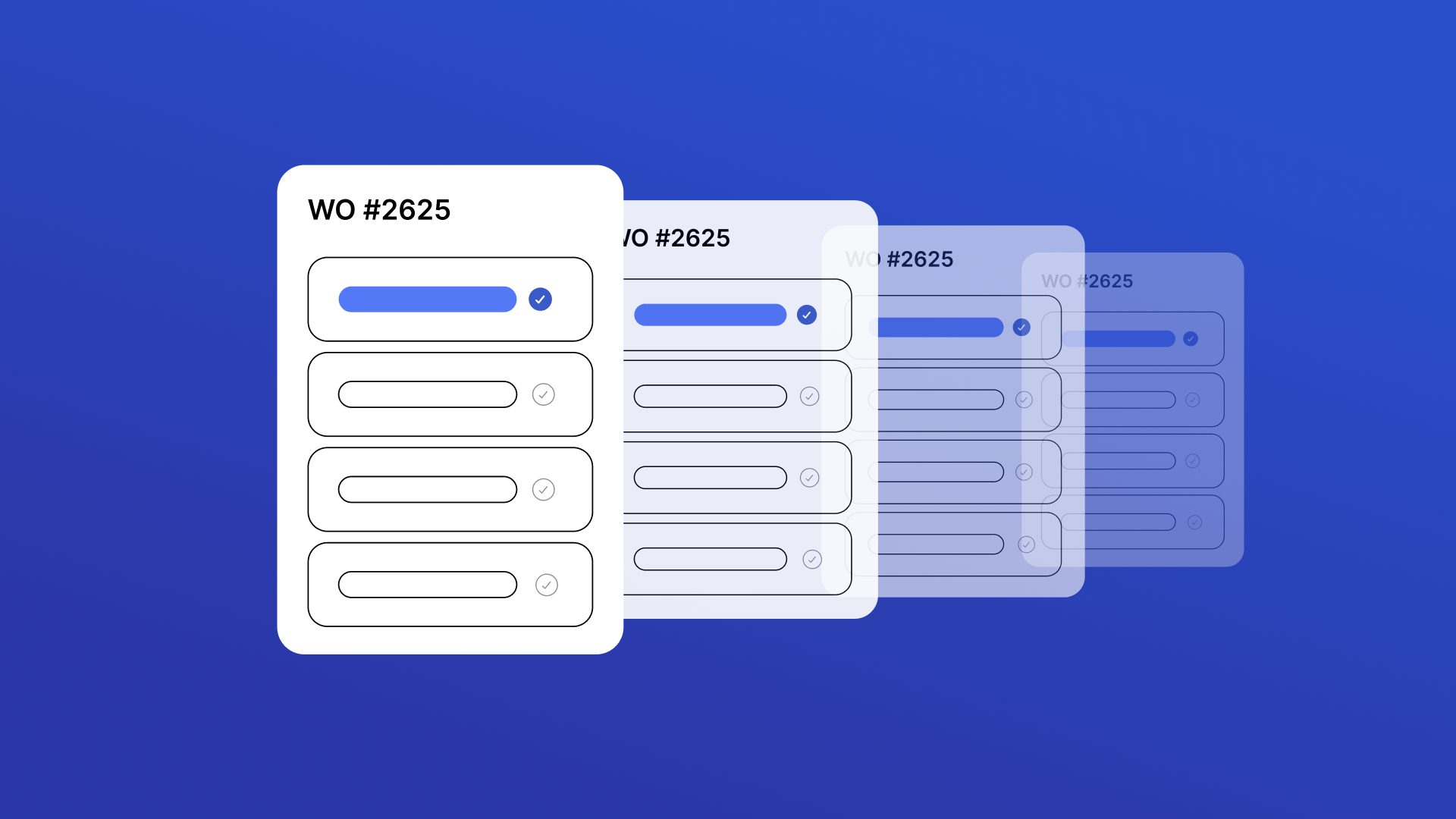
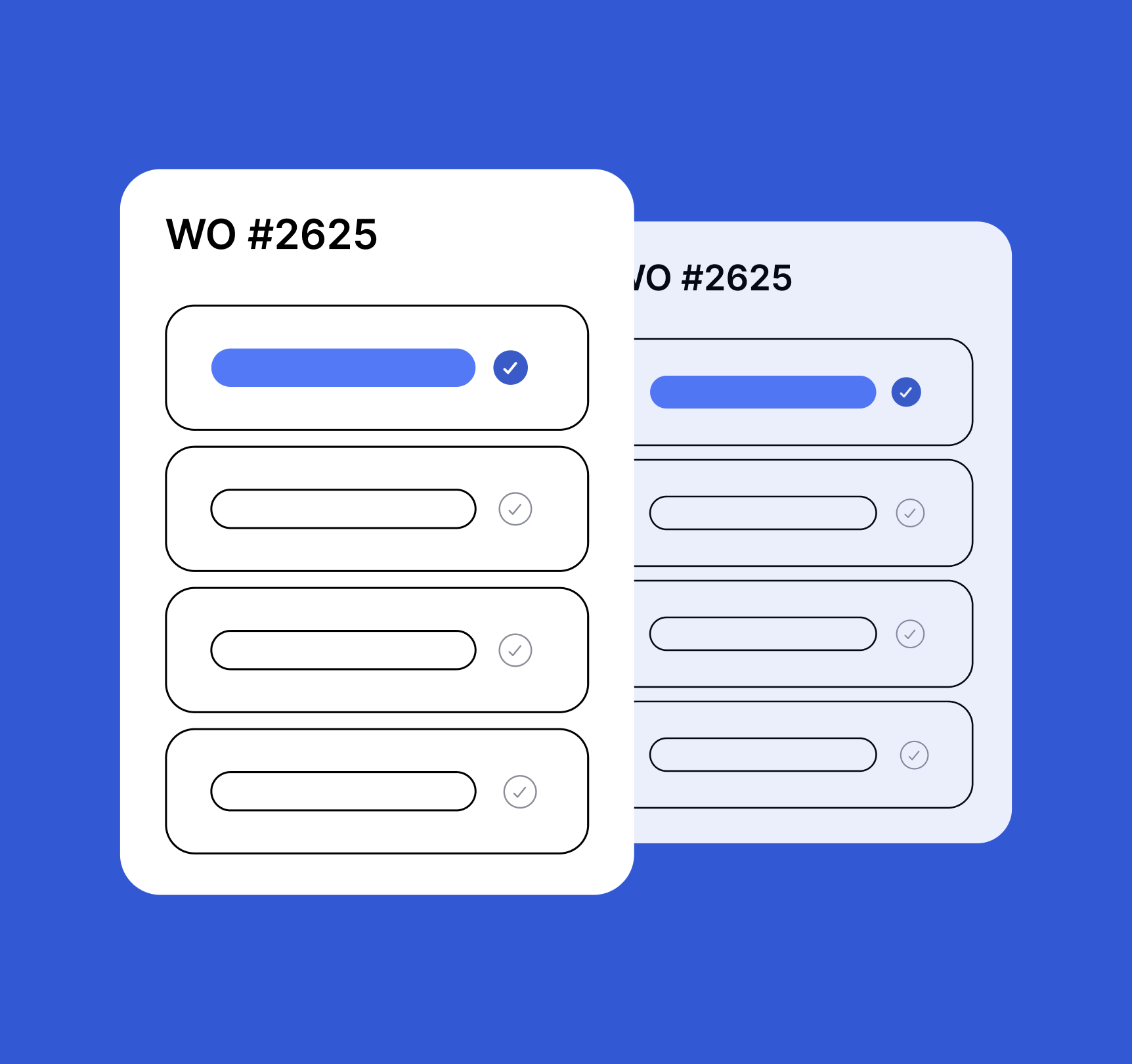
Find and fix duplicate work orders fast. Scans all work orders across all statuses, excludes recurring PM work orders, and lets you review matches side by side to archive duplicates and keep your backlog clean.
Maintenance Unit Converter ✅
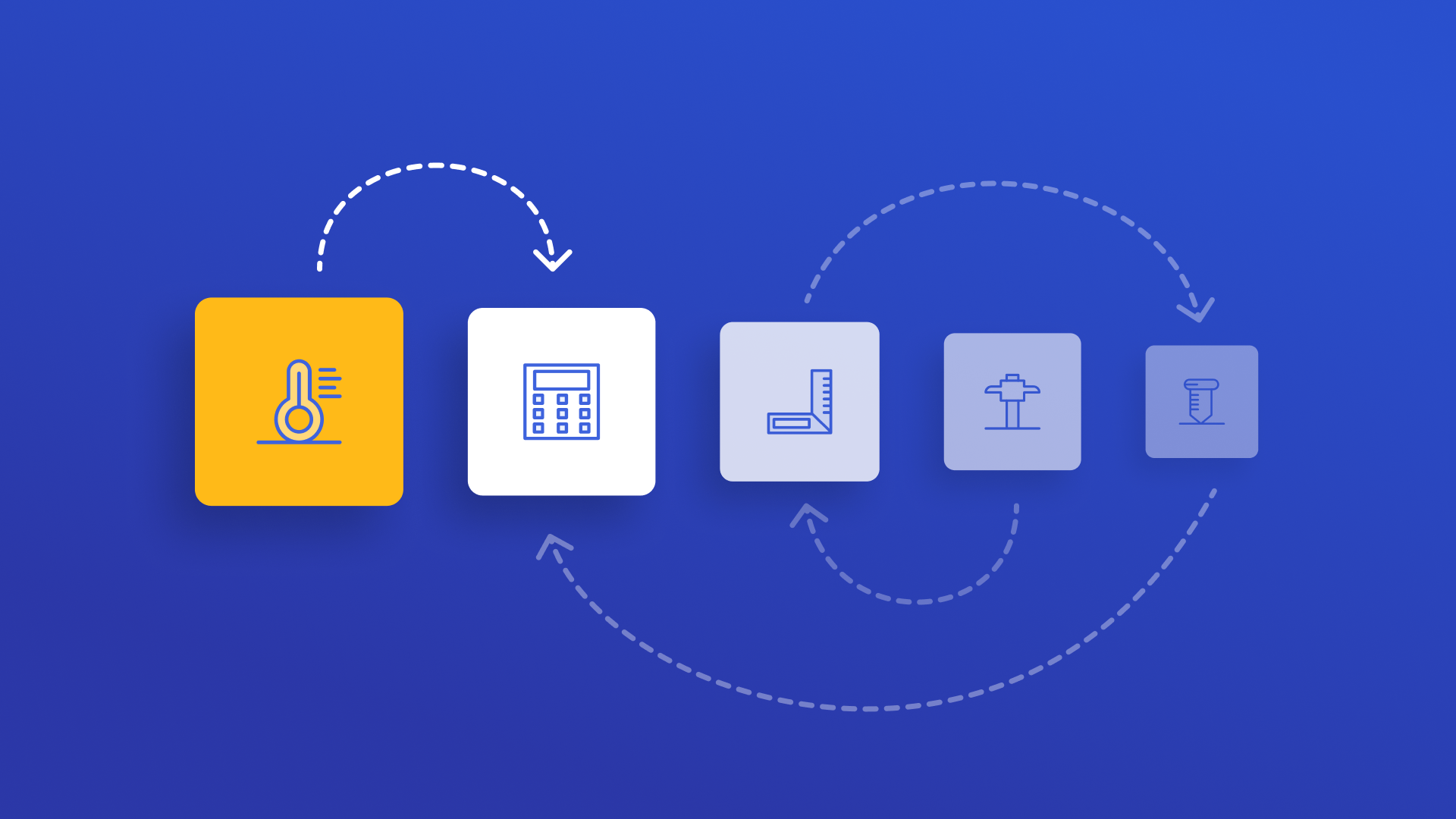
A lightweight, mobile-first utility for fast and accurate unit conversions tailored for maintenance professionals. Supports 8 categories — Pressure, Temperature, Torque, Length, Volume, Weight/Mass, Flow Rate, and Speed — with live results, a swap button, and a 5-item conversion history. Clean, accessible UI aligned with UpKeep design standards.


Quick Checklist Completion ✅
A simplified inspection checklist that allows users to select an asset or location, complete structured checklist items, and submit results in seconds. Designed for quick execution in the field with minimal setup and friction.

Site Operations Card ✅
Quickly access critical site information including access codes, key contacts, safety requirements, and operational notes in a mobile-friendly format. Designed to ensure technicians arrive prepared and reduce delays in the field.
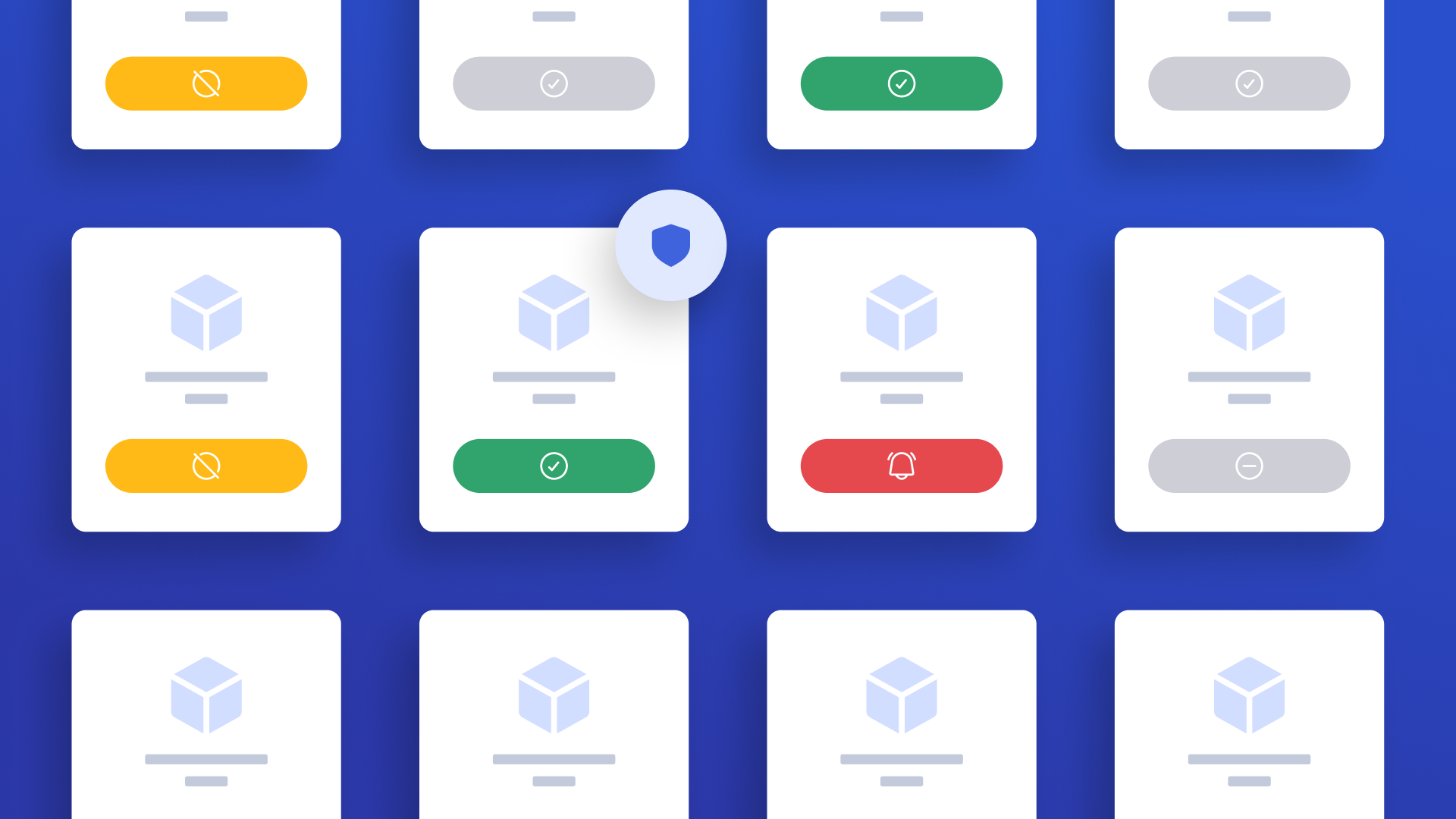

Warranty Asset Tracker ✅
Search for any asset and immediately see warranty status. Includes location dropdown, warranty status badges, expiration year filter, mobile-friendly responsive card layout, and a dedicated Work Order creation flow with up to 5 photo attachments. Fully styled with Tailwind CSS design system.
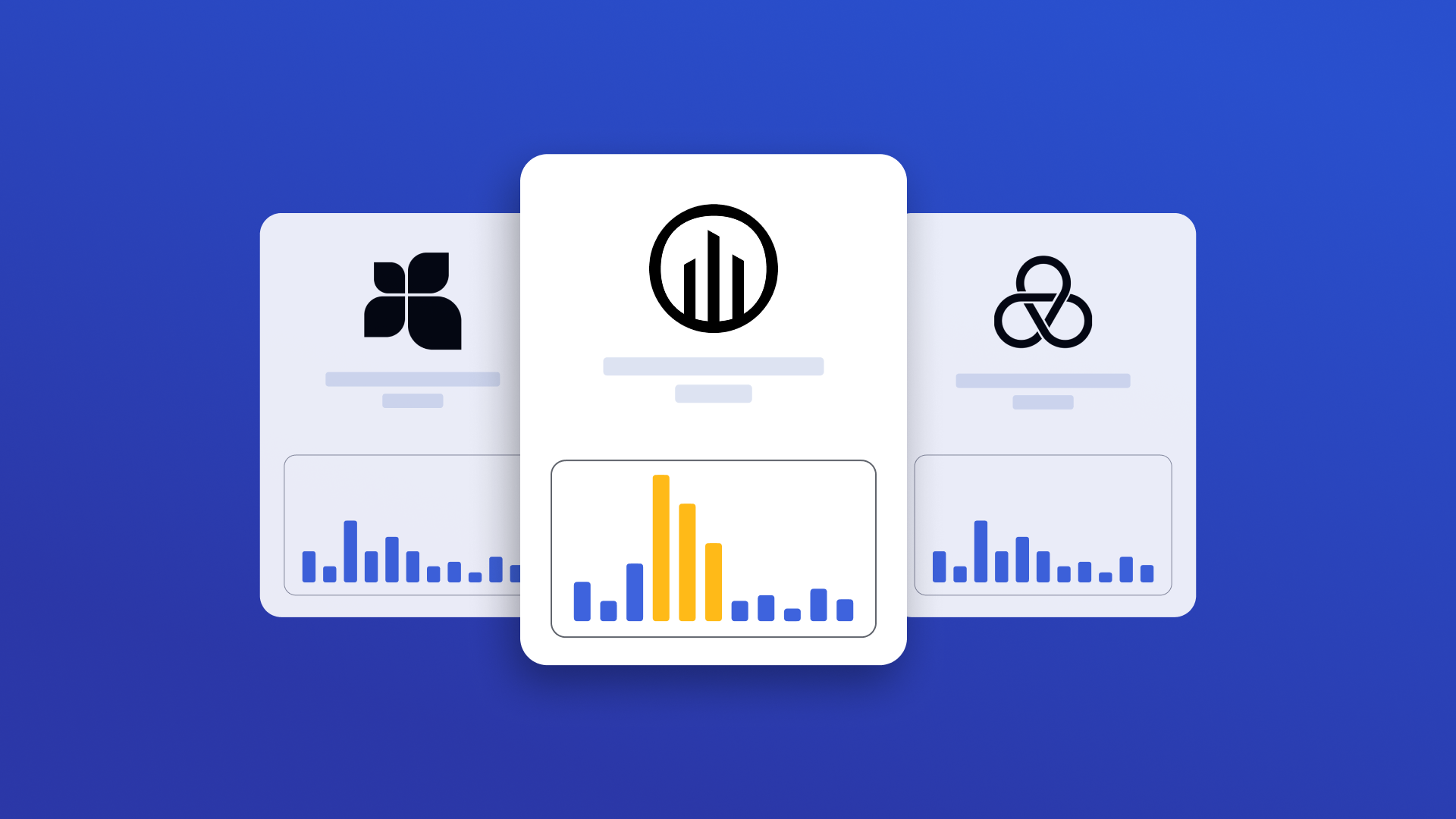
Vendor Performance Scorecard ✅
Comprehensive vendor performance dashboard linking vendors to purchase orders and work orders via vendor-type user assignments. Shows vendor details, costs, response times, and composite scores.

Shift Notes & Handoff ✅
Streamline shift-to-shift communication with structured handover notes. Capture issues, safety alerts, production constraints, and follow-up items — then convert them into UpKeep work orders with one click. Assign handovers to team members, link to account locations, and close/reopen handovers with synced work order status. Keep every shift informed and accountable.


Work Order Routing & Dispatch ✅
Plan and optimize work order routing for field service teams with real-time map visibility and drive time tracking. Set your starting point via GPS, UpKeep location, or address search. View job locations, launch turn-by-turn navigation, log travel time, and send directions as activity updates — all from one streamlined interface.


Work Order Request Duplicate Detector ✅
Find and fix duplicate work order requests fast. Review matching requests side by side, confirm which one is the real one, and decline or delete the extra so your backlog stays clean and your team doesn't waste time on the same request twice.


IFTA Compliance Reporter ✅
Track, calculate, and prepare your IFTA. Monitor total miles, fuel usage, MPG, and state-by-state tax exposure in one centralized dashboard. The app validates quarterly data, calculates net tax automatically, and provides export-ready reports so your fleet stays compliant and filing-ready every quarter.
Paper Work Order Scan ✅
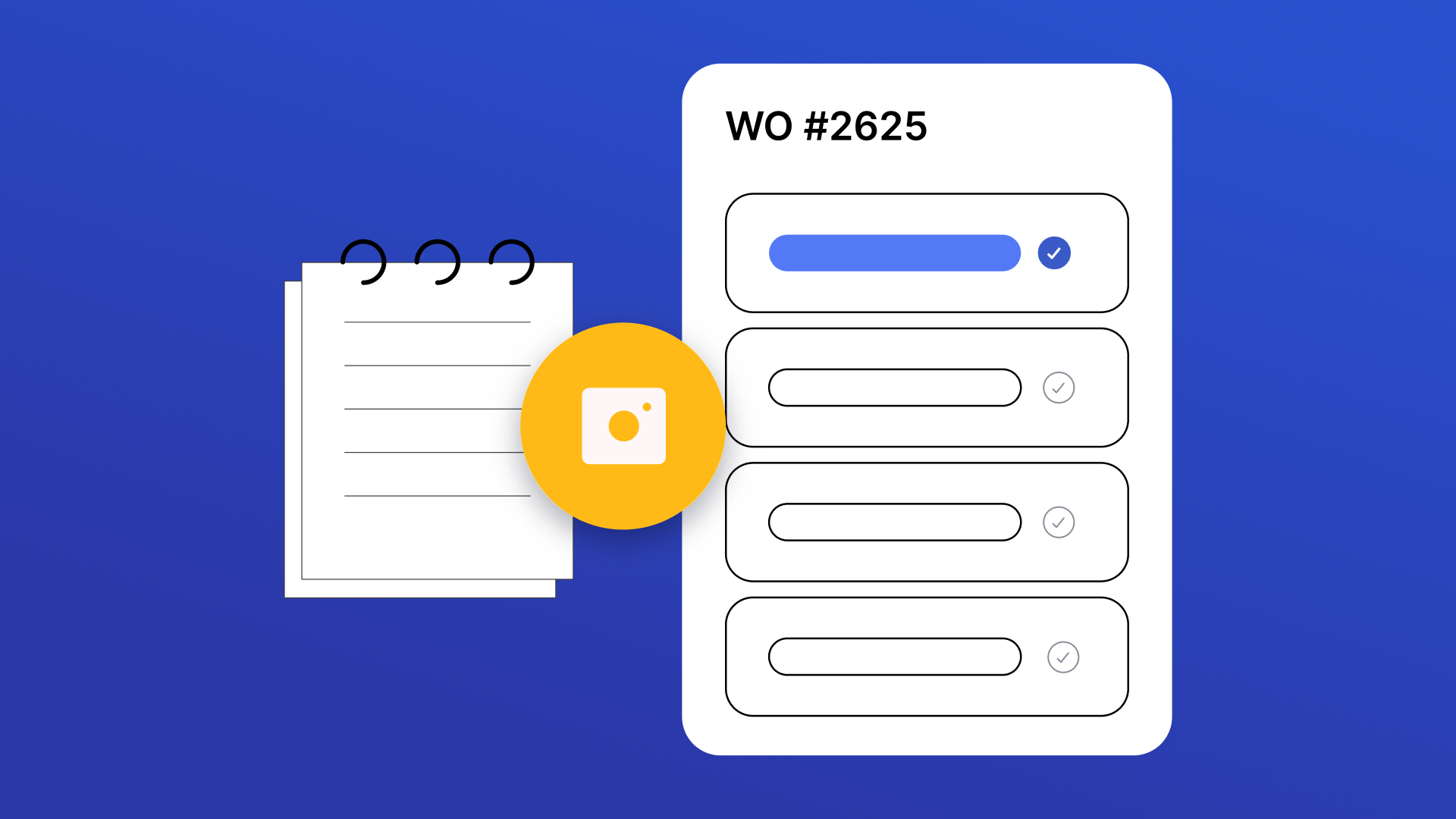
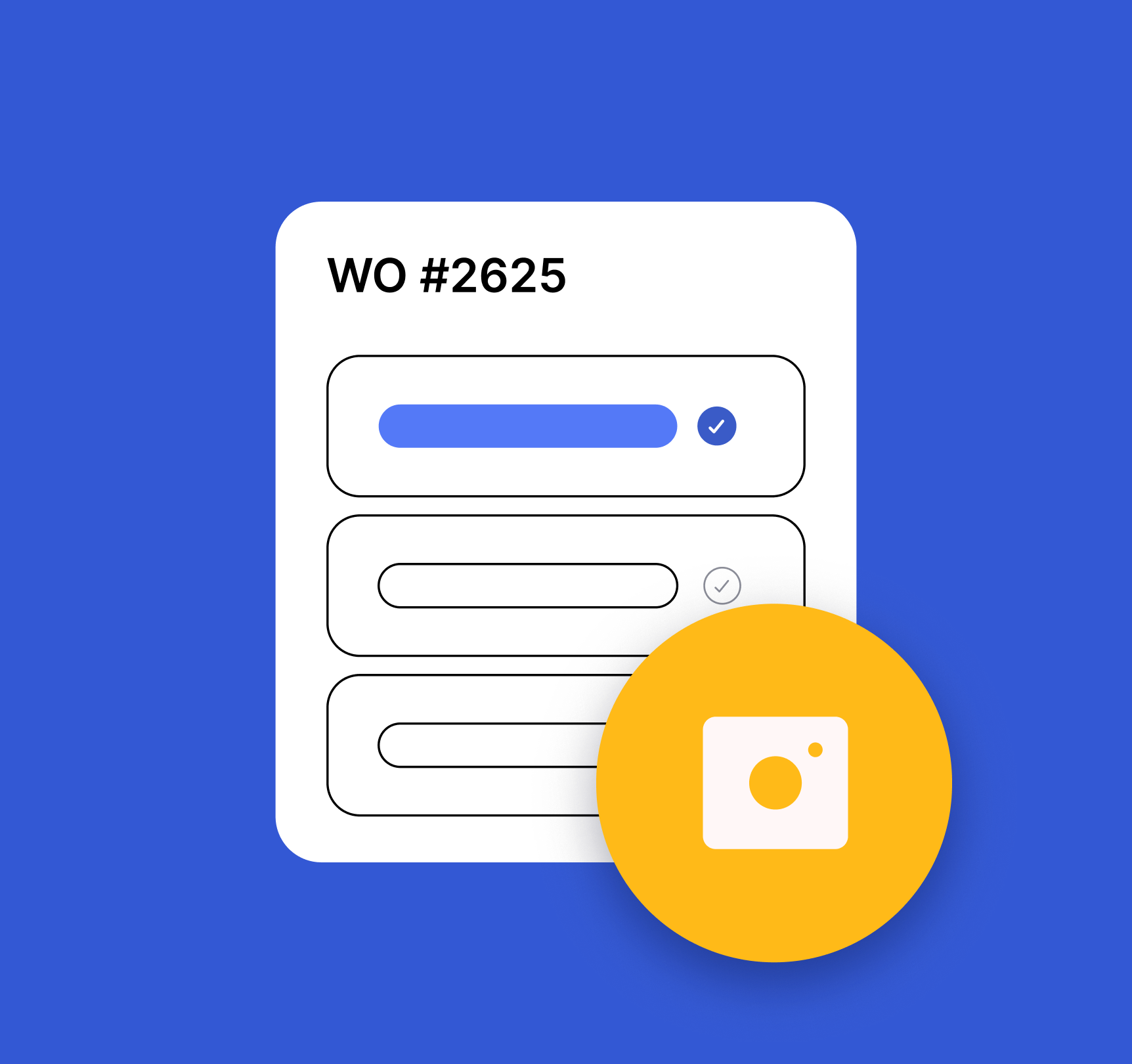
Capture handwritten or printed work orders with a quick photo and instantly create structured Work Order records in UpKeep. Extracts title, description, asset, location, priority, due date, assigned technician, and more — then maps them to the correct fields with asset matching and low-confidence highlighting.


Purchase Order Scan ✅
Upload or capture a paper/PDF purchase order and automatically extract vendor, line items, totals, and shipping details to create a structured Purchase Order in UpKeep. Features vendor matching, editable line items, financial summary, and a simple 3-step workflow: Upload, Review & Edit, Create PO.


Parts Forecast Planning ✅
See which parts will be needed for upcoming scheduled work before the jobs start. Forecast demand based on future work orders to avoid stockouts, reduce rush purchases, and keep maintenance running without delays.
Repair or Replace Cost Evaluator ✅
A specialized decision-support tool for maintenance managers to compare repair estimates against replacement costs. Saves analysis decisions as update messages to work orders.

Work Order Parts Procurement ✅
View work orders that require parts and quickly identify procurement gaps. This app surfaces active work orders with associated parts, shows real-time availability and estimated costs, and lets you create purchase orders directly — preventing delays caused by missing materials.
Parts Quality Auditor ✅
Review Parts records against quality rules to identify missing information and inconsistencies. View scores, drill into flagged records, and correct issues to maintain accurate inventory data.